I created a view using Views Tree to display sub chores.
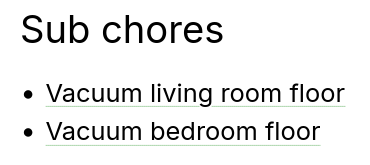
How can I display it on the Chore display, appearing as a regular field?
The view header has margin by default, so a text area needs more adjustment to be used as a header.
I can make a views utility class that removes the header margin. Might be better to customize in Mantra Views, providing a view display.
Ideally, if the solution was a computed field, it could be positioned in manage display. But if it's a view tree, it would need to be formatted as a view. There are a few modules that can add views to an entity.
Entity Views Attachment (EVA)
Adds the view to manage display as entity extra field.
Issue: Implement an EVA field label
Views Field Formatter
Display field as view.
Could be used to display parent field normally and as view in layout builder, but not the normal manage display.
Entity Extra Field
Configure extra fields on entities. Provides several types, including a views display.
Enable Entity Extra Views UI submodule, configure on Entity extra fields tab on entity type.
The label is hardcoded as an H2.
View Entity Reference Field Formatter
Similar to Views Field Formatter, but only for entity references.
Issue: Support Entity Reference Hierarchy module
View Field
Content author can choose a view to display.
Semantic Views
Flexible views display with customizable classes.
Extra Field
Pluggable extra fields.
Similar to Entity Extra Field.
Extra Field Plus
Extra Field Configuration
Extra Field Views Integration
Currently using this css snippet to unset the default header margin when the header text contains .field__label. This works fine, but is confusing to set up.
.block .view-header {
 margin-block: 0;
}